
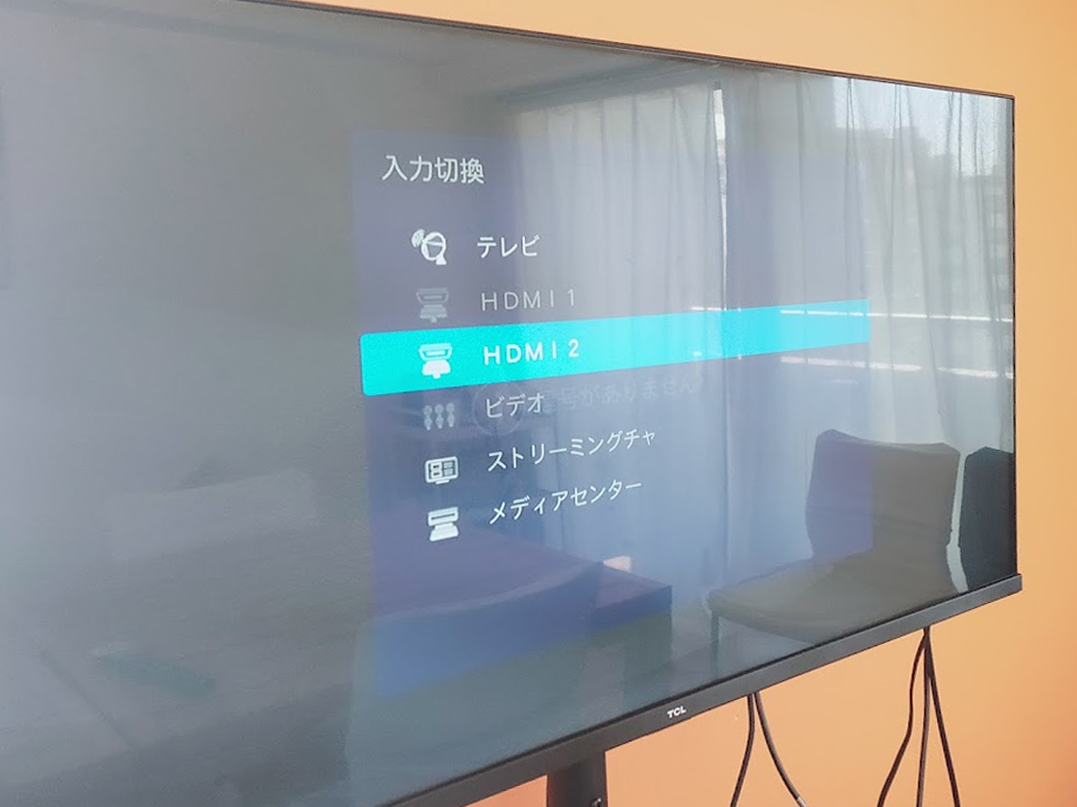
If you’re connecting a PC to a smart TV, you can connect them instantly by connecting them via HDMI and changing the TV’s input to HDMI.
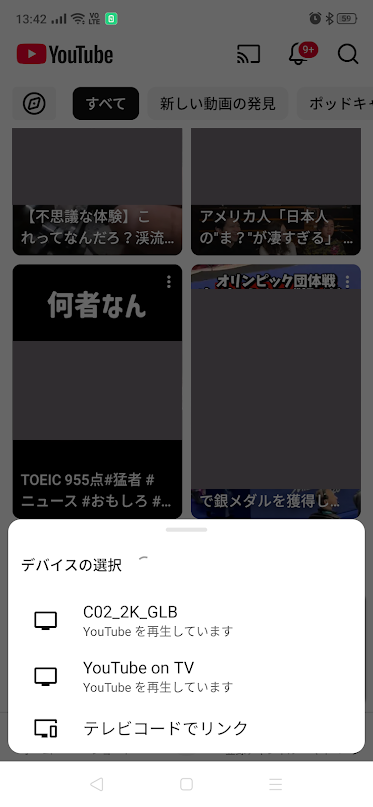
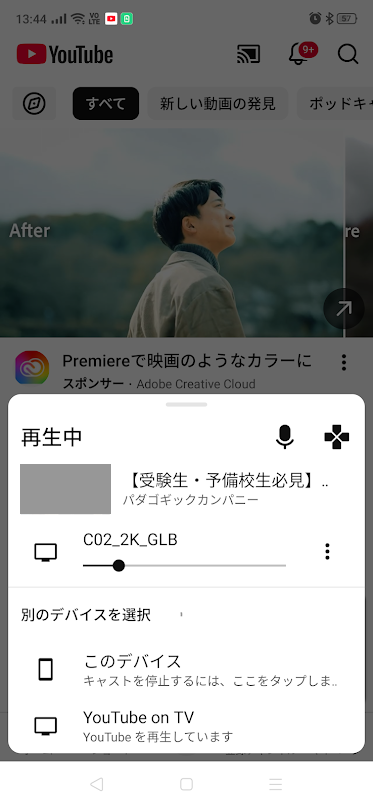
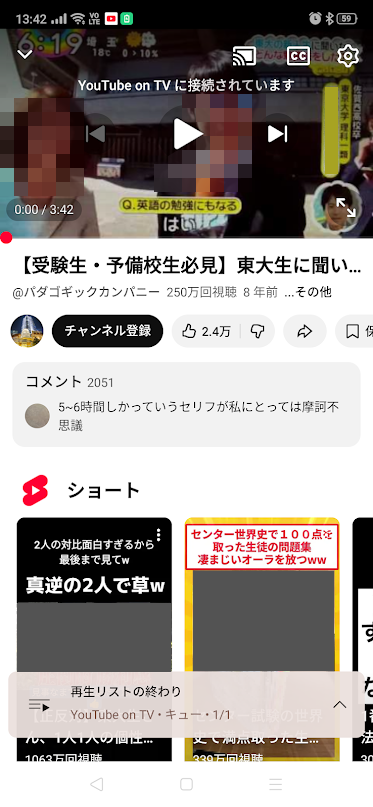
But what about connecting a smart TV to a smartphone? The trick to connecting using the mirroring function is to follow the instructions, wait for each step to be displayed, and then wait for the next step before proceeding. If you rush, you may lose track of where you branched.
If you’re an expert and want to use a connection terminal, please carefully research the HDMI conversion adapter/cable that is compatible with your smartphone before using it.
With the wide variety of media available these days, it can be more difficult to determine which cables and terminals are compatible. Therefore, we recommend using the AirPlay function for iPhones and the Cast (Google Cast) function for Android devices.
Please research the setup instructions in advance.
*We do not provide support for these settings. Please set them up yourself.
The room is equipped with HDMI terminals (on both ends).
スマートフォンの画面をスマートテレビにミラーリングしよう
PCとスマートテレビなら、HDMIで繋いでテレビの入力切替をHDMIにすれば即接続できますが、
スマートテレビとスマートフォンなら?ミラーリング機能を使って繋ぐコツは、手順通り、1ステップ1ステップ表示されるまで待ち、次のステップを待ってから進むことです。急ぐとどこで分岐してしまったのかが分からなくなってしまいます。
詳しい方で、接続端子を使う場合は自身のスマートフォンに対応する「HDMI変換アダプタ/HDMI変換ケーブル」を入念に調べた上でお使いください。
昨今多様なメディアがある為、対応ケーブルや端子の判別がより難しくなっていますので、iPhoneなら「AirPlay」機能、 Androidなら「キャスト(Google Cast)」機能を使うのがオススメです。
予め設定方法を調べておきましょう。
※当方ではこれらのサポートは行っておりません。お客様ご自身で設定をお願い致します。
部屋には備え付けのHDMI端子(両端)が御座います。